

Online Booking on Your Website: Does It Bring More Jobs for Service Businesses?
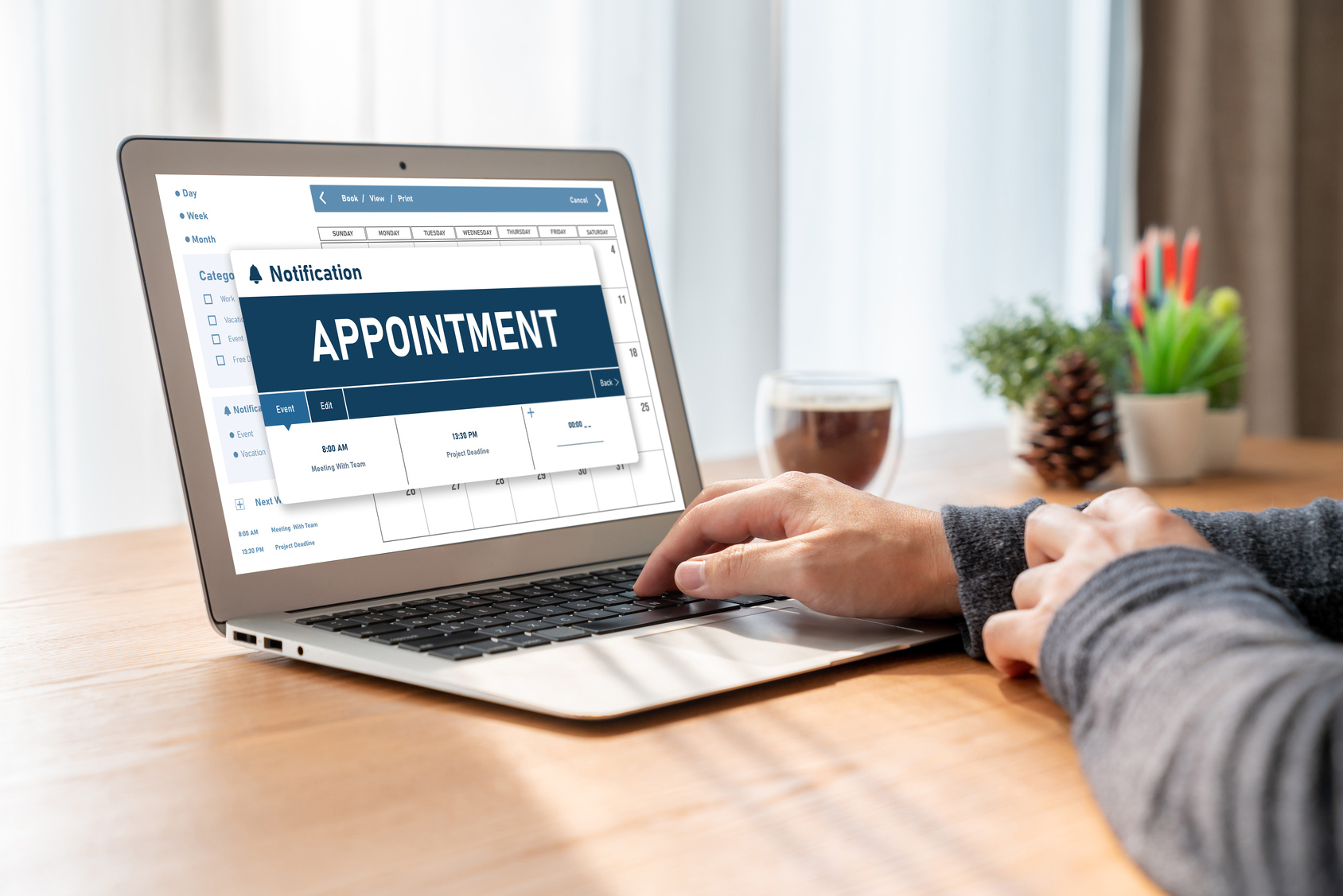
Yes, for many service businesses online booking brings in more jobs, but it adds to your phone line rather than replacing it. Surveys find roughly four in ten people prefer to book online, while most still like to call. Offer both, put a Book button on Google, and let customers book visits instead of prices.
Key takeaways
- Credible surveys put online booking preference in the 40% range, with phone still the top choice for many customers, so you need both channels.
- Google lets you add booking links to your Business Profile, and its booking partner policy lists plumbers, electricians, AC contractors and roofers as supported types.
- Use online booking for visits you can schedule and a short quote form for jobs you cannot price without photos or measurements.
Do customers really want to book service appointments online?
Many do, but not all. The best public surveys we found show about 44% to 45% of people prefer to book online, and a large share still prefer the phone. Age matters. Younger customers lean toward booking online, and older customers lean toward calling. That split is the case for offering both.
Here is what the data says, along with who collected it. Most booking surveys are run by software vendors or agencies, so we label each one. Treat them as signals, not laws.
| Survey | Who ran it | What it found |
|---|---|---|
| Field service booking, March 2020, 1,050+ US adults | Workiz (a software vendor) using Google Consumer Surveys | 44% prefer to schedule a field service appointment online; nearly 40% named ease of scheduling as a main reason they choose a company |
| Home services study, 2024 | Tinuiti (a marketing agency); sample size not published | 58% preferred to book home service appointments by phone; 37% of Gen Z and millennials preferred online or email, versus 17% of baby boomers |
| Healthcare booking, 2019, 1,049 US adults | Zion & Zion (a marketing agency) | 45% would rather book online than by phone; 55% of adults 18 to 29 preferred online, versus 32% of adults 60 and up |
| Primary care booking in England, peer reviewed, 2024 | University researchers in the Journal of Medical Internet Research | Only 45% of patients who tried to book knew online booking was offered, and 15.6% had used it |
Two lessons stand out. First, demand is real but not universal. Second, people cannot use a booking option they do not know about. The peer reviewed study found that awareness, not just desire, held back online booking. If your Book button is buried on a contact page, most visitors will never see it.
Does online booking actually bring in more jobs?
It can, mainly by catching customers you would otherwise miss. People search at night, on weekends and during your busiest hours, when no one can answer. A booking option lets them commit right then instead of moving on to the next company. It works best as an extra path next to the phone.
Think about where jobs leak today. A homeowner finds you at 9 p.m., cannot call, fills out nothing, and books a competitor the next morning. A booked slot on your calendar is a firm next step. A "call us" message is a hope.
Google makes the same point in its Local Services Ads help pages. It describes booking leads as another way for customers to reach you when you cannot answer the phone, and it lets customers check your availability and services before they contact you.
Online booking will not fix every problem. If your site gets little traffic, or your reviews are weak, a Book button will not create demand. It turns interest you already have into scheduled work. Pair it with fast follow-up and clear pricing signals, and it does its job.
How do you add a Book button to your Google Business Profile?
You have two options. You can connect a booking provider that works with Google, or you can add your own booking link. Google's help pages explain both. In your profile, select Bookings, choose a provider, and save. Google says provider booking options show up on your profile within a week.
The steps from Google's Business Profile help pages:
- Through a provider: In Business Profile, select Bookings, then Get started, pick your provider and select Done. Bookings made this way can send customers reminders and work with Google Calendar.
- With your own link: Select Booking in Search, or Edit profile in Maps, then Add link. Enter your booking page URL and save. Google allows up to 10 links per category and lets you mark one as "Business preferred" so it shows first.
- Clean up old links: Some third-party booking links appear automatically from partners. You can remove them from the Booking section by selecting Remove Provider.
A few cautions from Google. Providers might charge you fees for bookings that come through Google. Local business links cannot be added through the Business Profile API or spreadsheet upload. And performance data is not available for custom links, so tag your own link so you can track it in your analytics.
BrightLocal, a local SEO research firm, notes a simple test: if Bookings shows up in your profile's edit menu, your profile can use Google's booking integration. If it does not, your category or country may not be supported yet, and your own link is the fallback.
Which service businesses can use Google's booking features?
More than many owners think. Google's appointments policy for booking partners lists home services such as carpenters, house cleaners, roof services, electricians, plumbers, AC contractors, appliance repair and landscapers as supported merchant types. It also lists auto repair, pet care, beauty, wellness and professional services. Emergency appointments are excluded.
That emergency rule matters for trades. Google says emergency departments and other emergency appointment types are not supported. So a "burst pipe tonight" call still belongs on the phone. Use booking for tune-ups, estimates, inspections, cleanings and other planned work.
If you run Local Services Ads, there is another path. Google says customers can book directly through your ad once you enable booking through one of its booking partners, and your Business Profile booking link then appears on the ad. Google lists partners such as Jobber, Housecall Pro and ServiceTitan. The feature is US only, and some categories are limited to certain states.
Should you use online booking or a quote form?
Use online booking when you can name the visit and its length ahead of time. Use a quote form when you need photos, measurements or details before you can price the work. Many service businesses need both on the same site, pointed at different jobs. The mistake is forcing every customer through one path.
| Situation | Better tool | Why |
|---|---|---|
| Seasonal tune-up, cleaning, routine service | Online booking | Fixed visit length and price range; customer can commit now |
| Free estimate or inspection | Online booking | You book the visit, then quote on site |
| Diagnostic or service call with a set fee | Online booking | Clear fee, clear time window |
| Remodel, replacement or custom project | Quote form | You need photos, sizes or plans first |
| Commercial or multi-site work | Quote form | Scope varies too much to slot on a calendar |
| Emergency repair | Phone call | Customer needs a person now; Google's booking integration excludes emergencies |
A good rule: book the visit, not the price. Customers like the certainty of a time slot. You keep control of pricing because the real quote happens after you see the job.
What should you look for in a booking tool?
Look for a tool that fits how your crew already works. It should sync with your calendar, show real open slots, send text and email confirmations, and let you block travel time between jobs. If you want a Google Book button, check that the tool is a Google booking partner before you buy.
We will not name a single winner, because the right choice depends on your trade and your current software. Many field service management platforms include online booking. So do general scheduling apps. Check these points:
- Calendar sync. Two calendars that do not talk to each other cause double bookings fast.
- Service areas. The tool should stop people outside your area from booking, or flag them.
- Buffers and travel time. Slots should reflect drive time, not just job time.
- Confirmations and reminders. Text and email reminders cut no-shows.
- Google partner status. Needed for Book buttons on your profile and Local Services Ads.
- Fees. Ask about per-booking fees, especially for bookings that come through Google.
- Mobile and accessible design. Most people will book from a phone, and every field needs a clear label.
That last point is often missed. The 2026 WebAIM Million report found detectable WCAG 2 failures on 95.9% of the home pages it tested, and missing form input labels on 51% of them. An embedded booking widget can carry the same problems. Test it on a phone and with a keyboard before you go live.
How do you set up online booking so it gets used?
Make it easy to find, short to complete and fast to confirm. Put a Book button in your header and on every service page, not only the contact page. Ask only for what you need to show up. Confirm right away by text and email, and keep your phone number visible for people who still want to call.
Practical setup tips:
- Offer a short menu of bookable services. Five clear choices beat thirty vague ones. Name them the way customers do, like "AC tune-up" rather than "PM visit."
- Show time windows, not exact minutes. "8 to 10 a.m." sets honest expectations for field work.
- Keep the form short. Name, phone, address, service and a notes box usually cover it. A controlled study published by Google researchers in 2014 found that forms improved with usability guidelines were completed faster, with fewer failed submissions and higher satisfaction.
- Say what happens next. Tell customers who will confirm, when, and whether the visit has a fee.
- Protect your schedule. Limit how far ahead people can book, require a minimum lead time, and keep emergency slots off the public calendar.
- Connect it to Google. Add the link or provider to your Business Profile so searchers can book without visiting your site.
- Follow up on every booking. A quick personal call or text after an online booking builds trust and catches mistakes.
How do you measure whether online booking is paying off?
Treat it as a lead source and track it from booking to paid job. Count bookings per week, show rates, the share that become paid work and how many arrived after hours. Compare that to your phone and form leads. If booked jobs close at a similar rate, the channel is earning its place.
A simple monthly scorecard:
- Total online bookings, split by source: website, Google profile, Local Services Ads
- Bookings made outside business hours
- No-show and cancellation rate
- Booked visits that became paid jobs, and their average ticket
- Calls that mention "I tried to book online," a sign the tool is confusing
Use tracking tags on any custom booking links. Google's help page notes that performance data is not available for custom links, so without tags you will not know which bookings came from your profile.
Frequently asked questions
Will online booking replace my phone calls?
No. Surveys show a large share of people still prefer to call, especially older customers. One 2024 home services study found 58% preferred booking by phone. Online booking adds a second door for the people who would rather not call, or who are searching after your office closes. Keep the phone number on every page.
Can a plumber or HVAC company get a Book button on Google?
Often, yes. Google's appointments policy for booking partners lists plumbers, electricians, AC contractors, roofers, house cleaners, carpenters, appliance repair and landscapers as supported merchant types. You need a supported scheduling provider, or you can add your own booking link to your Business Profile. Emergency appointment types are not supported through Google's booking integration.
Do I need an expensive booking tool?
Not to start. Many field service platforms and simple scheduling apps include online booking. Pick one that syncs with the calendar your team already uses, sends text and email confirmations, and lets you block time. Google warns that providers may charge fees when bookings come through Google, so ask about those before you sign up.
Should I let customers book jobs that need a quote?
Let them book the visit, not the price. A customer can book an estimate, an inspection or a diagnostic call. Your tech then quotes the real job on site. Use a short quote form for projects you cannot price without photos or measurements, like remodels, roof replacements or large commercial work.
How do I know if online booking is working?
Track it like any other lead source. Count bookings each week, the share that show up, the share that turn into paid jobs, and how many came in after hours. If you use Google's booking integration, check performance data there. Google notes that performance data is not available for custom links, so tag your own links.
The bottom line
Online booking is not magic, and it does not replace your phone. It catches the customers who would rather tap than talk, and the ones searching when your office is closed. Add it to your website and your Google profile, keep it simple, book visits rather than prices, and track the results like any other lead source.
Want help setting up booking on a Webflow site and your Google profile? Book a free call with Mike, or run the free 60-second check to see how easy you are to find and book.
Sources
- Google Business Profile Help: Set up bookings through a provider
- Google Business Profile Help: Manage local business links
- Google Actions Center: Appointments platform policies (supported merchant types)
- Google Local Services Ads Help: About booking leads
- Google Local Services Ads Help: Booking partners
- BrightLocal: Google Business Profile bookings and appointments
- EC&M: Survey says 44% of consumers prefer to book a field service technician online (Workiz with Google Consumer Surveys, 2020)
- Tinuiti: Home Services Marketing Study (2024)
- Zion & Zion: Healthcare appointment booking preferences study (2019)
- Atherton et al., Journal of Medical Internet Research (2024): Patient use and experience of online appointment booking in primary care
- Seckler et al., CHI 2014: Designing usable web forms (Google Research)
- WebAIM: The WebAIM Million (2026)
Keep reading
