Video Ads for Small Businesses: Simple Videos That Sell on YouTube, Facebook and Instagram
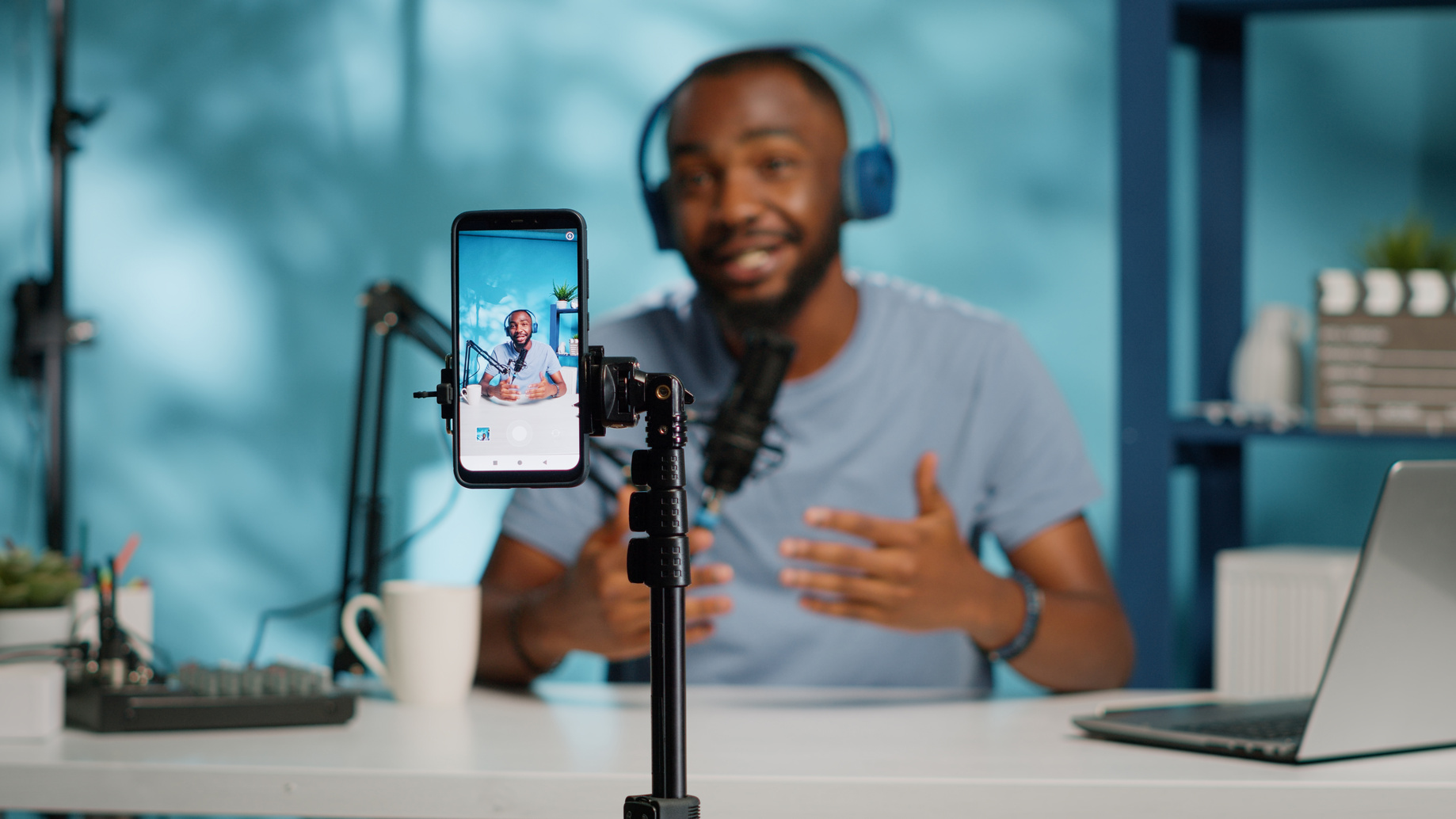
Small businesses can sell with simple video ads shot on a phone. Grab attention in the first seconds, show your name early, add captions for people watching on mute, and end with one clear action. Shoot vertical for Shorts, Reels and Stories. Test two or three short versions with a small budget, then keep the winner.
Key takeaways
- Google's ABCD framework (Attention, Branding, Connection, Direction) is a free checklist for any video ad, on any platform.
- Captions are not optional: in one large U.S. survey, 69% of people said they watch video with the sound off in public.
- A phone, a clip-on microphone and good light are enough to start. Judge ads by calls and form fills, not views.
Why should a small business run video ads at all?
Video lets a customer see you, your work and your crew before they ever call. That builds trust faster than a photo and a headline. YouTube, Facebook and Instagram all let you target by area and interest and set a daily budget, so a small business can test video without a TV-sized spend.
For a service business, trust is the whole sale. People are letting you into their home, their car or their books. A 20-second clip of the owner explaining how the job works answers the question every buyer has: "Are these people legit?"
Google's own research backs up the reach. In a Google and Talk Shoppe study of 32,075 people, 63% of YouTube viewers in the markets studied said they bought from a brand after seeing it on YouTube (Think with Google). That is a self-reported survey, so treat it as a sign of intent, not a promise of sales.
What makes a video ad work, according to Google's ABCDs?
Google's ABCD framework says effective video ads do four things: grab Attention fast, show the Brand early and often, build a Connection so people think or feel something, and give Direction with a clear call to action. Google and Kantar linked following these rules to up to a 30% lift in short-term sales likelihood.
Here is what each letter means in plain terms, based on Google Ads Help:
- Attention: Open fast. Use tight framing, quick pacing and bright, high-contrast shots. Back up your message with on-screen text and sound that do not fight each other.
- Branding: Show your name or product early and keep it present. Say your business name out loud, not just in a logo.
- Connection: Put real people on screen. Keep the message to one idea. Humor, surprise or a relatable problem all help.
- Direction: Tell people exactly what to do next, such as "Book a free estimate," and say it in the voiceover too.
The numbers come from a Google and Kantar analysis of about 11,000 ads. Google reports "as much as" a 30% lift in short-term sales likelihood and a 17% lift in long-term brand contribution (Think with Google). Note the words "as much as." Those are upper-end results, not what every ad will see.
Should you shoot on a phone or pay for a produced video?
Start with a phone. For Shorts, Reels and Stories, simple footage that looks like normal social content often fits better than a polished spot. Google says production can lean lo-fi in Shorts. Save produced video for a brand piece you will use for years, after phone ads prove what message sells.
Google's creative experiments found no single ad style won across every goal. A polished brand ad, a celebrity recut and an influencer-style ad each did best at a different job, and the influencer-style ad drove the most sales in one test (Think with Google). For Shorts, Google recommends assets that feel "social-first" and blend in with organic content, and suggests authentic creator content where possible (Google Ads Help).
That is good news for a small budget. The owner talking straight to the camera is a form of creator content. So is a crew member walking through a finished job.
Phone-shot does not mean sloppy. A few basics make a big difference:
- Sound: Use a clip-on microphone. Bad audio loses viewers faster than shaky video.
- Light: Face a window or shoot outside in shade. Avoid strong light behind the speaker.
- Steady shots: Use a small tripod or brace your arms against your body.
- Clean lens: Wipe it. Phone lenses live in pockets.
- Short takes: Record each line several times and pick the best.
Even when you do hire a crew, test the script with phone versions first so you do not pay to film the wrong message.
Do your video ads need captions?
Yes. A large share of people watch with the sound off, especially in public. If your ad only makes sense with audio, many viewers will miss the whole message. Add captions, put key points in on-screen text, and make sure the picture alone shows what you sell and what to do next.
The data is clear on this. In a 2019 Verizon Media and Publicis Media survey of 5,616 U.S. adults, 69% said they watch video with the sound off in public places, and 25% said they watch with no sound even in private. The same study found 80% of people who use captions do not have a hearing impairment, and captions brought an 8% lift in ad recall for mobile viewers (Streaming Media).
Meta's own creative team advises advertisers to "design for sound off" and reported that captioned video ads increased average view time by 12% in its internal tests (Meta for Business). Meta also offers automatic captions inside the ad tools, which you can review and edit before you publish (Meta Business Help Center). Always proofread auto-captions. They often mangle business names and local terms.
Sound still matters for people who have it on. Google reports that adding music, voiceover or both to Shorts ads increases conversions by over 20% (Google Ads Help). So plan for both: a voiceover that sells, plus captions and text that sell on their own.
What size, length and format does each platform want?
Shoot vertical (9:16) as your main version, because it fills the phone screen on YouTube Shorts, Instagram Reels, Facebook Reels and Stories. Then make square or horizontal cuts for feeds and regular YouTube. Keep most ads between 15 and 30 seconds, and keep text and logos away from screen edges.
Google reports that adding a vertical video to Demand Gen campaigns led to more than a 35% increase in conversions on Shorts, based on its 2024 internal data. It also warns that a campaign with only vertical videos may not serve in some YouTube placements, so keep a horizontal version too (Google Ads Help).
| Placement | Best shape | Suggested length | Key note |
|---|---|---|---|
| YouTube Shorts ads | Vertical 9:16 | Under 60 seconds; 10 to 30 for action ads | Only the first 60 seconds play in the Shorts feed |
| YouTube skippable in-stream | Horizontal 16:9 | About 15 to 20 seconds for action ads | Viewers can skip after 5 seconds |
| Google Demand Gen | Vertical, square and horizontal | Varies by placement | Google suggests at least 3 assets per shape |
| Facebook and Instagram Reels and Stories | Vertical 9:16 | Short; hook in the first 3 seconds | Leave room for on-screen buttons and captions |
| Facebook and Instagram feeds | Square or vertical | Short | Most people scroll with sound off |
The YouTube figures come from Google's guides to Shorts ads, skippable in-stream ads and Demand Gen creative. Meta's creative team reported that 65% of people who watch the first three seconds of a video ad will watch for at least ten seconds (Meta for Business). That is why the opening matters more than the ending.
Plan for screen clutter. On Shorts and Reels, buttons, captions and the account name sit on top of your video. Keep your face, product, phone number and logo near the center so nothing gets covered.
What should a simple 20-second video ad say?
Use one problem, one promise, one proof and one action. Open with the customer's problem in the first two seconds, say your business name, show the result or a real customer, and close with a single next step. One idea per ad beats a list of every service you offer.
Here is a script outline that fits most service businesses:
- 0 to 3 seconds, the hook: Show the problem or the result. "Is your AC blowing warm air?" with a shot of a thermostat.
- 3 to 8 seconds, who you are: "I'm Dana, owner of [Business Name]." Name on screen, logo on your shirt or truck.
- 8 to 15 seconds, the proof: A quick before-and-after, a real review on screen, or a crew member doing the work.
- 15 to 20 seconds, the action: "Book a free estimate today. Tap the button." Say it and show it.
Make two or three versions with different hooks. Keep the rest the same. That way, when one wins, you know the hook is why.
If you use customer testimonials or pay anyone to appear, be careful. The FTC says that when there is a paid or other material connection, the disclosure should be in the video itself, not just in the description, and that saying it and showing it on screen is more likely to be noticed (FTC). Never script fake reviews or results.
How much should a small business spend on video ads?
Start small and fixed. Pick a monthly test amount you can afford to lose, split it across two or three ad versions, and run it for at least two weeks. Then judge the ads on calls, form fills and cost per lead. Raise the budget only on the version that brings real inquiries.
How you pay depends on the platform and goal. On YouTube skippable in-stream ads with cost-per-view bidding, you pay when a viewer watches 30 seconds (or the whole ad if it is shorter) or interacts with it, whichever comes first. If your goal is leads or sales, Google offers Target CPA and Maximize conversions bidding instead (Google Ads Help).
A few rules keep a small budget from leaking:
- Set up tracking first. Calls and form fills need to be counted as conversions, or the platform cannot learn who your buyers are.
- Pick a lead goal, not a views goal. Cheap views are easy to buy and rarely turn into jobs.
- Target your service area. Showing ads outside the area you serve is wasted money.
- Send clicks to a matching page. If the ad is about roof repair, land people on the roof repair page with a phone number and form.
- Answer fast. A video can make the phone ring, but slow follow-up loses the job.
Google also reports that Demand Gen advertisers running both video and image ads saw 6% more conversions per dollar than those running image-only ads (Google Ads Help). That suggests video is worth adding to an existing campaign, not just running on its own.
How do you know if a video ad is working?
Measure business results, not views. Track calls, form fills, booked appointments and cost per lead for each ad version. Watch time and click-through rate help you spot a weak hook, but the ad that wins is the one that brings in paying customers at a cost you can live with.
Look at the numbers in this order:
- Leads and cost per lead. This is the scoreboard.
- Click-through rate. Low clicks often mean a weak call to action.
- Watch time in the first few seconds. A big drop at second two or three means the hook is not working.
- Frequency. If the same people see the ad again and again and results drop, make a new version.
Refresh your ads every few months, or sooner when results fall. Keep the structure and swap the hook or the job you show.
Frequently asked questions
How long should a small business video ad be?
For ads that ask people to call, book or buy, aim for about 15 to 30 seconds. Google says action-focused YouTube Shorts ads work best at 10 to 30 seconds, and that skippable in-stream awareness and action ads do best at roughly 15 to 20 seconds. Test longer versions only once a short one works.
Can I shoot video ads on my phone?
Yes. A modern phone records sharp enough video for YouTube Shorts, Reels and Stories. Google notes that production can lean lo-fi in Shorts and suggests authentic, creator-style content. What matters more is steady footage, clear sound, good light and a strong first few seconds. Spend money on a cheap clip-on microphone before a camera.
Do I need captions on video ads?
Yes. Many people scroll with the sound off. In a 2019 Verizon Media and Publicis Media survey of 5,616 U.S. adults, 69% said they watch video with the sound off in public. Meta offers automatic captions you can review and edit in Ads Manager. Captions also help viewers who are deaf or hard of hearing.
How much should I spend to test a video ad?
Start with a set test budget you can afford to lose, run it for at least two weeks, and judge it on leads and cost per lead, not views. On YouTube with cost-per-view bidding, you pay only when someone watches 30 seconds, the full ad if it is shorter, or clicks. Scale up only the version that brings real inquiries.
Can I use customer testimonials in my video ads?
Yes, if they are real and you have permission. If you paid, gave a discount or have any other connection with the person on camera, the FTC says to disclose it inside the video itself, not just in the description. Saying it out loud and showing it on screen is the safest way, since some people watch on mute.
The bottom line
You do not need a film crew to sell with video. Use the ABCDs, shoot vertical on a phone, add captions, end with one clear action, and judge each ad by the leads it brings. Start small, keep what works and cut what does not. Want help planning the scripts, the targeting and the tracking? Book a free call with Mike, or run the free 60-second check to see how visible your business is online right now.
Sources
- Google Ads Help: About the ABCDs of effective video ads
- Think with Google: Creative best practices for YouTube ads
- Google Ads Help: YouTube Shorts ads asset specs and best practices
- Google Ads Help: Use square and vertical video to engage mobile customers
- Google Ads Help: Skippable in-stream ads
- Google Ads Help: Creative Excellence Guide for Demand Gen campaigns
- Think with Google: Video ad creative experiments
- Meta for Business: Capture attention with updated features for video ads
- Meta Business Help Center: Add captions to your video ad on Facebook and Instagram
- Streaming Media: 80% of video caption users aren't hearing impaired (Verizon Media and Publicis Media study)
- FTC: Disclosures 101 for social media influencers
Keep reading
Descript: Lets you cut phone videos into short ads by editing the words on screen. Try Descript →
WhatConverts: Shows which video ads lead to real calls and form leads, so you know what works. Try WhatConverts →