

Webflow CMS for Small Businesses: What It Does, What It Costs and When You Need It
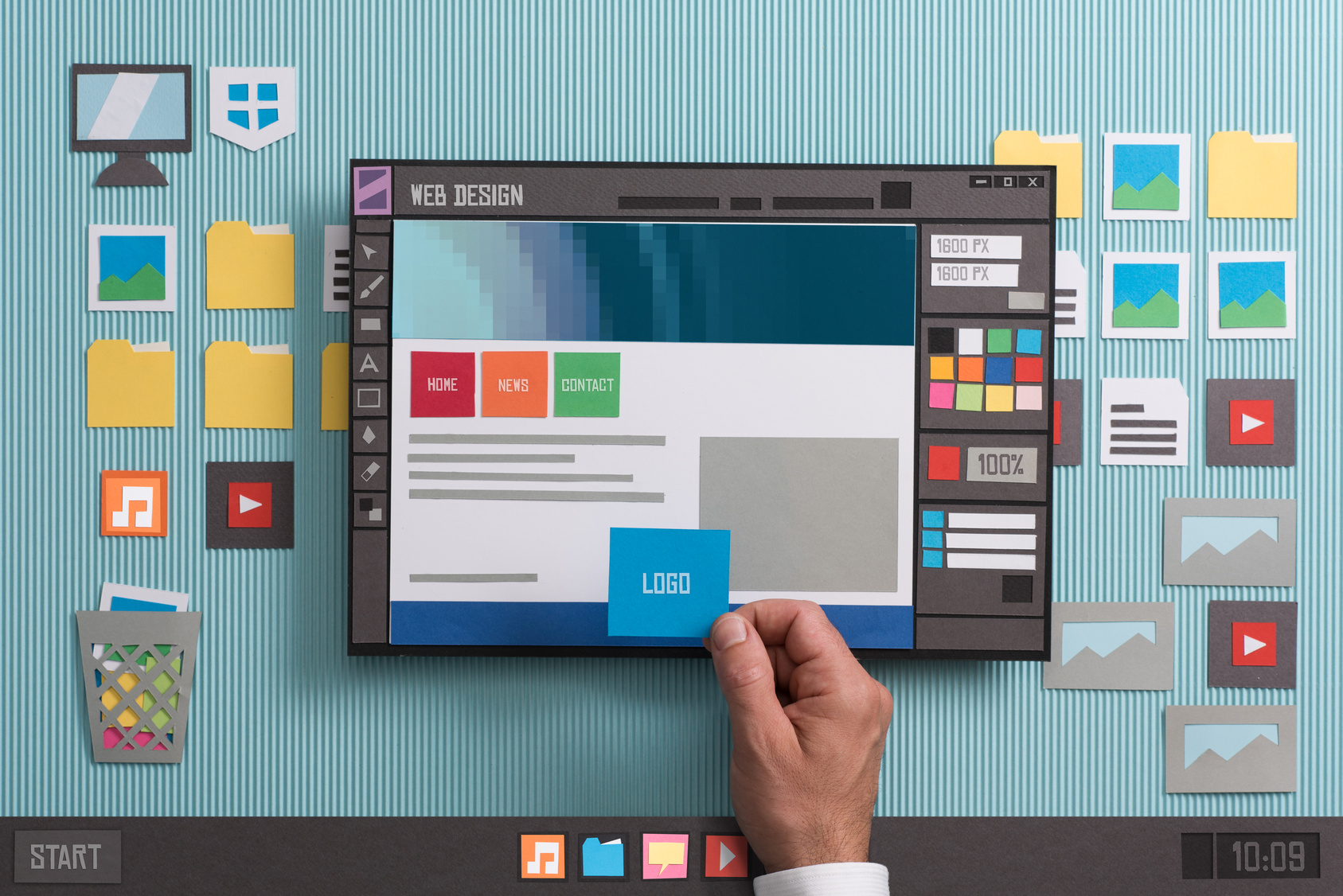
Webflow CMS is the part of Webflow that stores repeating content, such as blog posts, service pages, team bios or project photos, in organized collections that fill one shared page design. In 2026 it comes with the Premium site plan at $25 a month billed yearly. Most service businesses need it once they publish more than a handful of pages.
Key takeaways
- Webflow folded its old CMS and Business plans into one Premium plan in May 2026: 20,000 CMS items and 40 collections for $25 a month yearly or $39 monthly.
- The $15 Basic plan has no CMS. It fits a simple brochure site that rarely changes.
- The CMS earns its cost when you add content often, want staff to edit safely, or need many similar pages to share one design and one SEO pattern.
What is the Webflow CMS and how does it work?
The Webflow CMS is a built-in content database. You create a collection, such as Blog Posts, and define its fields. Each entry you add is an item. Webflow then builds a page for every item from one template, so 50 posts share one layout and you only design it once.
Webflow offers 16 field types, including plain text, rich text, image, multi-image, video, link, email, phone, number, date, switch, color, option, file, reference and multi-reference. Reference fields connect collections. A blog post can point to an author item, and a service page can point to the related case studies.
When you create a collection, Webflow also creates a Collection page. That page is a template. Elements you connect to fields change for each item, while everything else stays the same on every page. If you redesign the template, every item page updates at once.
You can also show collection items anywhere on the site with a Collection list. That is how a homepage shows the three newest blog posts or a service page shows the reviews tagged for that service.
What can a small business put in the CMS?
Anything you have more than a few of, that follows the same shape, belongs in a collection. For a service business that usually means blog posts, services, service areas, team members, project galleries, FAQs and reviews. One-off pages, like your homepage or contact page, stay as normal static pages.
Here is how that often maps out for a contractor, clinic, law office or similar local business:
| Collection | Typical fields | Why it helps |
|---|---|---|
| Blog posts | Title, summary, body, image, author, date, category | Publish without touching the design; every post gets the same layout and SEO pattern |
| Services | Name, short pitch, body, photo, related FAQs | Add or reword a service in minutes; menus and lists update automatically |
| Service areas | City or region name, intro, local details | Lets you build area pages from one template, as long as each page has real local content |
| Projects or case studies | Title, photos, problem, solution, service reference | Show proof on matching service pages through a reference field |
| Team | Name, role, photo, bio | Staff changes do not need a designer |
| FAQs | Question, answer, related service | Write an answer once and show it on several pages |
One caution on service-area pages. A template makes it easy to create dozens of near-identical city pages. That is a trap. Thin pages with a swapped city name help nobody, and search engines treat them that way. Use the template for structure, then write real local content for each page.
What does the Webflow CMS cost in 2026?
For a live business website, the CMS costs $25 a month billed yearly ($300 a year) or $39 billed monthly ($468 a year) on the Premium site plan. That price is per site and covers hosting. Workspace seats for designers or editors are billed separately, at the workspace level, depending on your setup.
Webflow changed its pricing in May 2026. It merged the old CMS and Business site plans into one Premium plan and raised the Basic plan price. The change applied to new purchases on May 13, 2026, and to most existing sites at their next renewal after June 29, 2026. Sites in Freelancer or Agency workspaces, and some older legacy plans, move over at renewal after November 16, 2026.
| Site plan | Price (yearly billing) | Price (monthly billing) | CMS items | CMS collections | Custom domain |
|---|---|---|---|---|---|
| Starter | Free | Free | 50 | 20 | No (webflow.io address) |
| Basic | $15/mo | $25/mo | None | None | Yes |
| Premium | $25/mo | $39/mo | 20,000 | 40 | Yes |
| Team | Contact sales (annual only) | Not offered | Not stated | 100 | Yes |
A few details from the change are worth knowing. CMS item add-ons were removed, so 20,000 is the Premium ceiling. Bandwidth on Premium starts at 50 GB a month, with paid add-ons available up to 2.5 TB. Premium also allows 300 static pages, and Webflow added form file uploads and faster search indexing to the tier.
Prices here come from Webflow's own pricing page and help center as of October 2026. Webflow changes plans from time to time, so check the current pricing page before you budget.
Do you need the CMS, or is the Basic plan enough?
Basic is enough if your site is a few pages that rarely change: home, about, services, contact. You need the CMS once you blog, add projects, keep a growing list of services or areas, or want staff to add content without risking the design. For most growing service businesses, that point comes quickly.
Webflow describes Basic as being for simple sites that do not need a CMS, and that is accurate. A good test is to ask three questions:
- Will you add new pages at least once a month? Blogs, project write-ups and new services all count. If yes, you want the CMS.
- Do you have five or more pages that share the same layout? Services and service areas usually do. Building those by hand on Basic means editing each one separately every time the design changes.
- Will someone other than your web designer update the site? The CMS gives them a simple form to fill in instead of a design canvas.
If you answered no to all three, save the $10 a month on Basic. You can upgrade later without rebuilding. If you plan to publish regularly for search or AI visibility, start on Premium so you do not have to rework static pages into collections later.
How do owners and staff edit content in Webflow?
People who should change words and photos, but not the design, get the content editor role. They edit text, links and images right on the page, create and update CMS items, and publish single items. They cannot change layouts, styles, custom code or collection settings, which keeps the site build safe.
According to Webflow's help center, a content editor can:
- Edit text, links and images directly on the page, with changes saving automatically
- Create, edit, delete, import and export CMS items, and publish individual items
- Set the SEO title, meta description and Open Graph settings on pages
- Publish to the staging or live domain, if the site owner allows publishing
- Leave comments for the designer or team
They cannot make design changes, rename pages or edit URL slugs, add custom code, or create new collections. For a small business, that split works well. The owner or office manager posts a project or updates a price. The designer owns the structure. Nobody breaks the header by accident.
How does Webflow CMS handle SEO?
Every Collection page gets its SEO title, meta description and Open Graph settings from a pattern you set once, using the item's own fields. So each new blog post or service page ships with its own title tag and description without anyone typing them by hand. Static pages get their own settings page by page.
For example, you can set the SEO title of the blog template to pull from a dedicated SEO Title field, and the meta description to pull from a Summary field. Then the quality of your search snippet depends on the quality of those two fields, which your writer controls.
Webflow's own guidance is to keep the title under 60 characters. It also notes that meta descriptions have no hard limit, but search engines cut long ones, and Google may show text from the page instead of your description when that matches the search better.
Two habits make the CMS work harder for search and AI answers:
- Add dedicated SEO fields. Do not reuse the visible headline as the title tag if it is long or vague. A separate SEO Title field lets you write for the search result.
- Use reference fields to link related pages. Showing related services, projects and FAQs on each page builds internal links automatically, which helps both people and crawlers find your best content.
What are the Webflow CMS limits you should know about?
On Premium you get 20,000 CMS items, 40 collections and 300 static pages. On any single page you can place up to 40 collection lists, and each list shows up to 100 items unless you paginate. Nested lists are capped at ten per page and three levels deep. Few small business sites hit these limits.
| Limit | Premium plan | What it means in practice |
|---|---|---|
| CMS items | 20,000 | Years of weekly blogging plus every service, project and FAQ |
| CMS collections | 40 | Plenty for blog, services, areas, team, projects, FAQs and more |
| Static pages | 300 | Covers one-off pages like home, about and landing pages |
| Collection lists per page | 40, including nested | Matters only on very busy pages |
| Items shown per list | 100 (use pagination for more) | A blog index of 300 posts needs pagination |
| Nested lists | 10 per page, 3 levels deep | Plan complex category pages with your designer |
| Bandwidth | 50 GB/month, add-ons up to 2.5 TB | Large video files should be hosted elsewhere |
The limits that most often surprise owners are the display limits, not the storage limits. A page that tries to show every project in one long list will stop at 100 unless the designer adds pagination.
For larger or automated publishing, the Webflow Data API lets software create and update CMS items and publish the site. List requests return up to 100 items at a time. That opens the door to bulk imports and scheduled content, but it is a job for a developer, not the average owner.
How does Webflow CMS compare with WordPress posts?
WordPress runs far more of the web and has a huge plugin library, but you manage hosting, updates and plugins yourself. Webflow is a closed, hosted platform: the design tool, CMS and hosting come as one package, and custom collections are built in rather than added with plugins. Your choice depends on control versus upkeep.
By W3Techs' count in October 2026, WordPress powers 39.6% of all websites and holds 58.3% of the content management market. Webflow sits at 0.8% of websites and 1.2% of the market. Both numbers matter. WordPress has more developers and more add-ons. Webflow has a smaller but focused ecosystem.
| Question | Webflow CMS | WordPress posts |
|---|---|---|
| What you pay for | A site plan that includes hosting | Free software, plus hosting, theme and plugins you choose |
| Custom content types | Built in: define collections and fields visually | Posts and pages by default; custom types usually need code or plugins |
| Design control | Visual designer tied to the CMS template | Depends on the theme or page builder |
| Maintenance | Webflow handles hosting and platform updates | You or your host handle core, theme and plugin updates |
| Editing for staff | On-page editing with a restricted content editor role | Familiar dashboard; roles and editing vary by setup |
| Portability | Data can be exported, but the site runs only on Webflow | Self-hosted; move to any host |
The fair summary: WordPress wins on choice and portability. Webflow wins on fewer moving parts. For a small business owner who does not want to manage plugin updates or a separate host, Webflow's all-in-one setup removes a lot of upkeep. For a business that needs a specific plugin, such as a complex membership system, WordPress may fit better.
We build only in Webflow at Forty-Second Street, so weigh that when you read our view. We chose it because our clients want a site they can edit without breaking, on hosting they do not have to manage.
Frequently asked questions
Is the Webflow CMS included in every plan?
No. The free Starter plan includes 50 CMS items for testing on a webflow.io address, and the Basic plan includes no CMS at all. To run a live business site with a blog or other collections on your own domain, you need the Premium site plan, which includes 20,000 CMS items and 40 collections.
Can I move my WordPress blog posts into Webflow?
Yes. Webflow collections can import items, and the Webflow Data API can create and update items in bulk. The work is in the mapping: deciding which WordPress fields become which Webflow fields, moving images, and setting redirects from old URLs to new ones so you keep the search traffic those posts already earn.
Do I need a developer to add blog posts in Webflow?
No. Once the collection and template are built, adding a post is a form: fill in the title, body, image and summary, then publish. A content editor can also publish single items. You only need a designer when you want to change the template layout or add a new collection.
What happens if I go over 20,000 CMS items?
Webflow removed CMS item add-ons when it launched the Premium plan, so 20,000 is the ceiling on that plan. Very few small businesses come close. If you do, the next step is the Team plan or Enterprise, which you have to price with Webflow's sales team.
Is Webflow CMS good for SEO?
It gives you the controls that matter: editable title tags and meta descriptions, dynamic SEO patterns for every collection page, clean templates and fast hosting. It does not write good content for you. Rankings still come from useful pages, solid internal links and a site that answers real customer questions.
The bottom line
Webflow CMS is worth paying for when your site needs to grow: regular blog posts, a real list of services and areas, project proof and staff who update content. At $25 a month on yearly billing, Premium is a modest cost next to a single new customer. If your site truly never changes, Basic is fine.
If you want a second opinion on your setup, Book a free call with Mike, or run the free 60-second check to see how visible your current site is in search and AI answers.
Sources
- Webflow Help Center: Updated pricing and simplified plans for May 2026
- Webflow: Pricing
- Webflow Help Center: Use Collection fields to build custom Collections
- Webflow Help Center: Structure and style Collection pages
- Webflow Help Center: Edit site content as a content editor
- Webflow: Editor and content management
- Webflow Help Center: Add SEO title and meta description
- Webflow Help Center: Dynamic content limits
- Webflow Developers: Managing CMS Collections and Items
- W3Techs: Usage statistics of content management systems
Keep reading
WhatConverts: Shows which page, ad or search brought in each call and form, so you know what is really making money. Try WhatConverts →
Semrush: Tracks your Google rankings and keywords so you can see what is working and catch drops early. Try Semrush →
